
What Actually Changed, and When
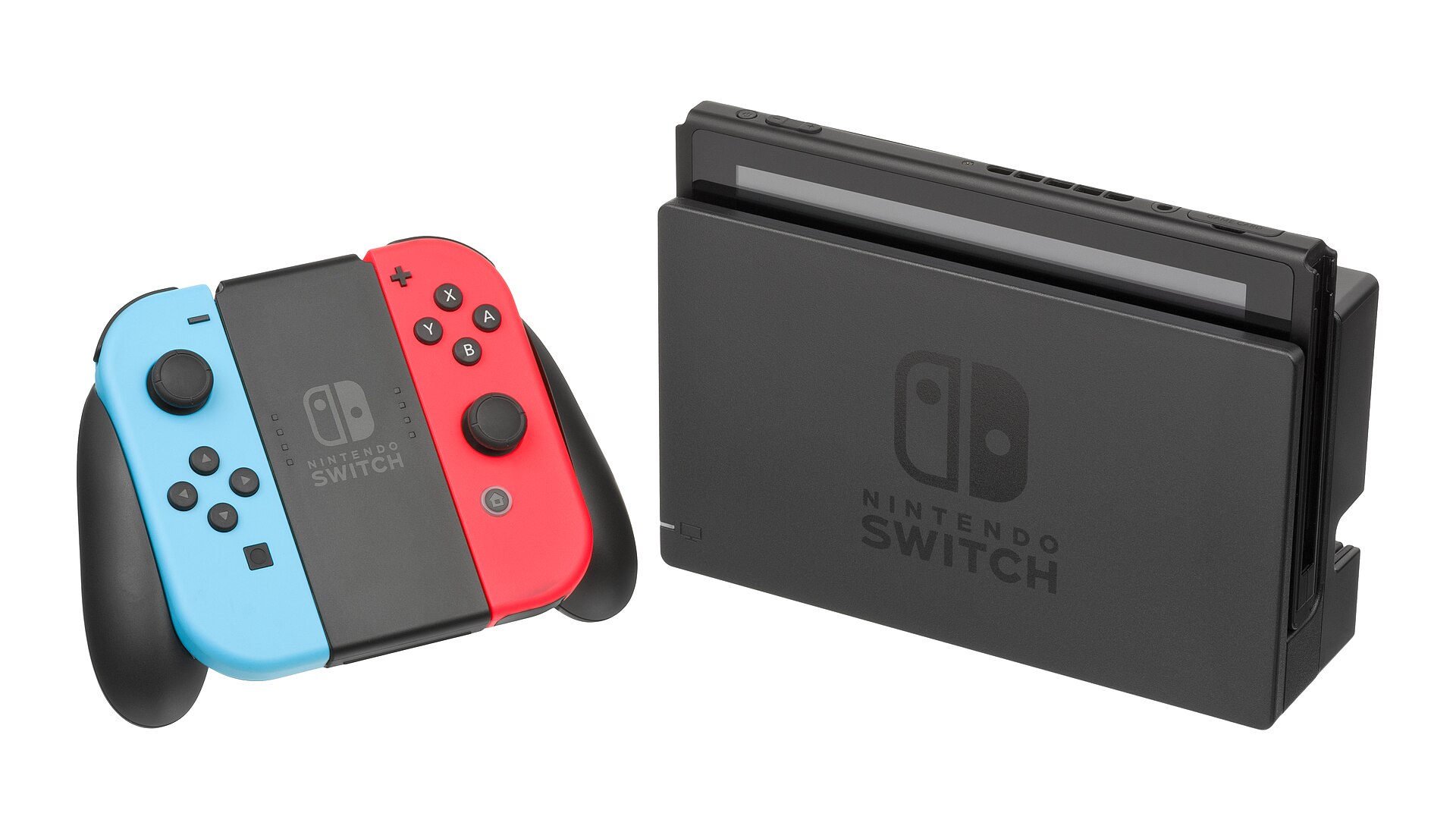
Two dates matter here. On June 21, 2026, Nintendo pushed a system update to the original Switch that made the eShop noticeably faster: shorter loading times, quicker response when you tap through the navigation, and cleaner switching between categories that used to hitch and stutter. Then, on July 30, 2026, the store's look itself changed. The original Switch's eShop now runs on the more stable design that debuted alongside the Nintendo Switch 2, bringing the two consoles' storefronts into closer alignment. Nintendo did not make a fuss about either change. No livestream, no blog post fanfare, just a patch note and a slightly better afternoon for anyone browsing for a new game.
The Slow Years: Why This Update Was Overdue
I want to be fair to the old eShop, and I can't quite manage it. For years, the store on the original Switch was lumpy in a way that had nothing to do with the console's age and everything to do with software that never got the attention the hardware did. Menus lagged. Search results came back on their own schedule, not yours. Scrolling through a long list of downloadable titles felt like walking uphill in wet sand — you were moving, technically, but every step cost more than it should. If you owned a Switch since 2017 and used the eShop with any regularity, none of this is news. You lived it, probably while standing in a train station somewhere, waiting for a friend's-list purchase to register.
From Speed Fix to Interface Overhaul
What's notable about this rollout is the order of operations. Nintendo fixed the plumbing first — the June update addressed raw performance, the part you feel in your hands before you consciously register it — and only afterward touched the surface. That's a sensible sequence, and it suggests the July interface change wasn't a coat of paint slapped over the same sluggish engine. The store now shares its stabler design with the Switch 2's eShop, meaning the experience of buying a game should finally feel roughly the same whichever console is in front of you. For a company running two active hardware generations side by side, that consistency is worth more than it sounds.
What You'll Notice in the Store
Practically speaking: faster taps, faster loads, and a storefront that behaves the same way whether you're on the original hardware or the newer one. Nintendo hasn't detailed every visual difference publicly, so I won't invent specifics beyond what's confirmed — the headline fact is stability and shared design, not a list of flashy new features. If you've been avoiding the eShop out of sheer irritation, this is the moment to give it another look.
Where to Experience the New eShop in Japan
If you're actually in Japan, the eShop is worth testing on the demo units at Nintendo's own retail spaces rather than just at home. Nintendo TOKYO, tucked into Shibuya PARCO, has hands-on kiosks running both Switch and Switch 2 hardware, and staff who won't blink if you spend ten minutes just poking through store menus instead of buying a plush Yoshi. Nintendo OSAKA, in Shinsaibashi PARCO, and Nintendo KYOTO, inside Kyoto BAL, offer the same setup with shorter queues on a weekday afternoon. Switching your console's eShop region to Japan, even temporarily, is also a legitimate way to browse the store in its native language and get a feel for the updated navigation without leaving your living room.
Picking Up eShop Japanese Along the Way
Browsing the Japan-region store is quietly useful if you're learning the language, because store interfaces repeat the same handful of words constantly, which is exactly how vocabulary sticks. A few worth knowing in romaji:
- 購入 (kounyuu, purchase) — purchase
- 検索 (kensaku, search) — search
- 新着 (shinchaku, new arrival) — new arrivals
- 販売中 (hanbaichuu, currently on sale) — currently on sale
- 割引 (waribiki, discount) — discount
- 予約 (yoyaku, pre-order/reservation) — pre-order
- 体験版 (taikenban, trial/demo version) — trial or demo version
- 無料 (muryou, free (of charge)) — free
None of it is glamorous. But a stabler, faster eShop means you'll actually stick around long enough to notice the words repeating, which is more than the old menus ever gave you the patience for.
