The neat part is that it uses the Jisho.org API, so you’re not guessing readings by hand. You get a practical little workflow that can also output katakana, which makes it handy for names, loanwords, and study notes.
Guess what? A simple Google Sheets script can do one of the most annoying jobs in Japanese study for you: turning kanji into hiragana. If you’ve ever stared at a vocabulary list and thought, “I know the meaning, but not the reading,” this kind of setup feels like a small miracle.
The script behind this idea is based on a public Google Apps Script shared on GitHub Gist by gminova, and it connects to the Jisho.org API. That means your spreadsheet can ask Jisho for readings, then display them right next to the original text. Simple, practical, and very much the sort of thing learners end up loving after the first use. Personally...
Google Sheets and Jisho.org API: the basic setup
What many overlook is that Google Sheets is already good enough for a lot of Japanese study workflows. You can keep vocab lists, textbook examples, JLPT prep words, or even lines from a drama, then let a script handle the reading lookup.
The Jisho.org API is the engine here. Jisho is a well-known Japanese-English dictionary site, and its public API gives you access to word entries, readings, and parts of speech. In practice, that means the sheet can convert kanji-heavy text into hiragana, and in some cases katakana too, depending on how the script is written and what you ask it to return. That's why it feels so useful for learners who want speed without losing accuracy.
Hand on heart: this isn’t about replacing study. It’s about cutting out the boring parts so you can spend more time noticing patterns, like when furigana changes a sentence from intimidating to readable. For example, if you paste a row of words such as shinkansen, keitai, and benkyou, the sheet can help you check the reading pattern alongside the meaning. From my experience...
How the kanji to hiragana script works in Google Sheets
A great example is imagining a column with words like gakusei, sensei, and ryokan, mixed with kanji and kana. The script reads each cell, sends the text to the Jisho API, and returns the kana reading into another cell or column. You keep the original Japanese, but you also get a cleaner study view.
Unlike what we’re used to with ordinary spreadsheets, this isn’t just text storage. It behaves more like a lightweight study assistant. Depending on the version you use, it can be set up with custom functions, menu items, or scripts that process selected cells in bulk. That’s especially useful if you’re building a vocab sheet from textbook chapters, anime quotes, or JLPT word lists. See what I mean?
Hiragana first, katakana when needed
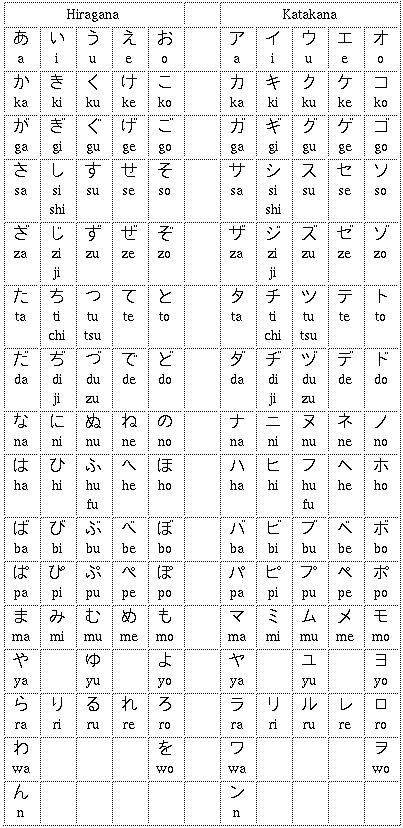
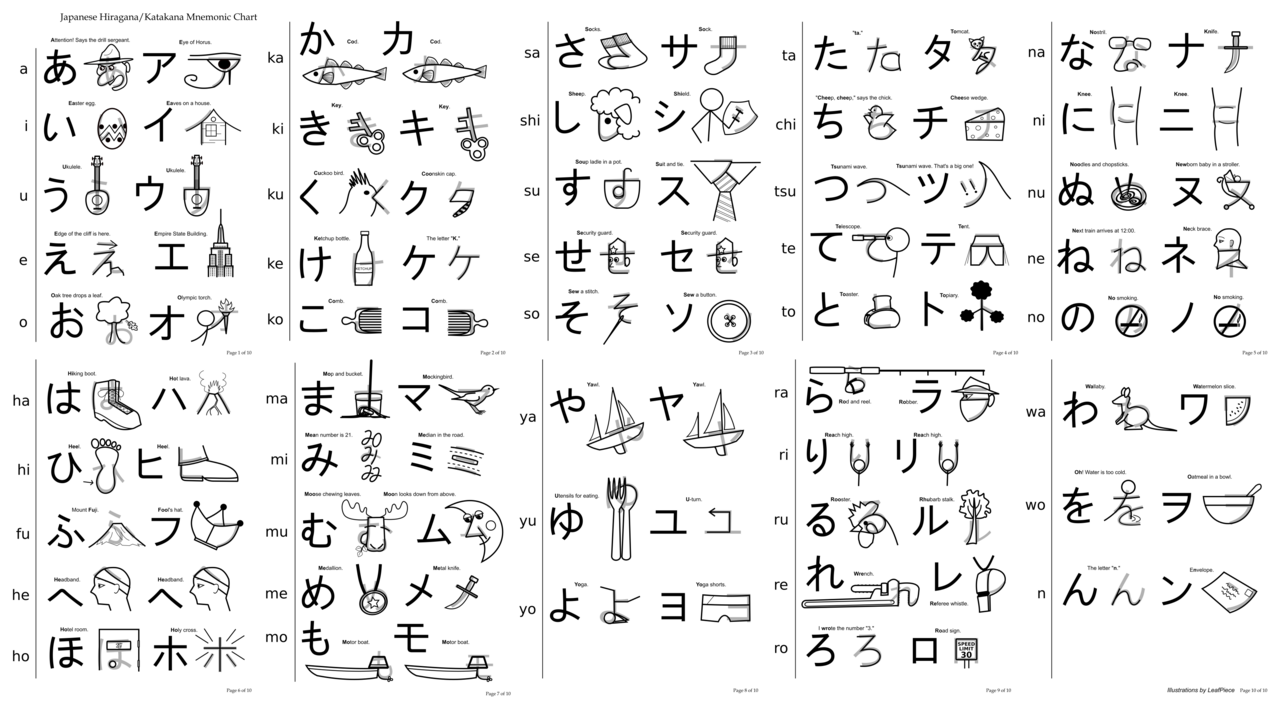
Most learners want hiragana readings first, because that’s what you need for basic decoding and pronunciation. But katakana matters too. Japanese uses it for loanwords, foreign names, emphasis, and plenty of everyday items like kopi, terebi, and resutoran.
What most people don't know is that katakana output can be just as helpful for study notes as hiragana. If your script handles both, you can separate native Japanese readings from loanword-style spellings, which makes your spreadsheet more flexible. Trust me on this one: once you start sorting your study material this way, it becomes much easier to review later. Simply brilliant. Personally...
Why this is so useful for Japanese learners
Let's be honest: Japanese learners spend a lot of time copying, pasting, and checking readings one by one. That’s fine for five words. It’s painful for fifty. A Google Sheets solution with the Jisho.org API helps you process larger lists without losing the human side of study.
There’s also a cultural angle. Japanese writing mixes kanji, hiragana, and katakana in a way that can feel elegant once it clicks, but rough at the start. A script like this helps you see that system more clearly. You can build vocabulary tables for food words like onigiri and miso, travel terms like eki and shinkansen, or festival words like matsuri and yukata. Compared to back home, where one alphabet often does most of the work, Japanese asks you to read the structure as much as the meaning. Classic Japan, isn’t it?
Insider tip: use the sheet not only for translation, but for pattern spotting. If you keep a column for the kanji, one for hiragana, and one for meaning, you’ll start noticing recurring endings, compounds, and kana habits much faster. That kind of repetition is gold for JLPT prep, and it’s also great if you’re learning through manga or YouTube subtitles. From my experience...
Practical limits, tweaks, and smart ways to use it
Oh, almost forgot: any API-based workflow has limits. Jisho.org is a public resource, so you should be careful with large batches, repeated refreshes, and messy data. If your spreadsheet contains names, brand terms, or unusual readings, the lookup may not always give the result you expect. That’s normal, and it’s one reason you should keep the original kanji visible.
My tip: test the script on a small set first, maybe 20 to 30 entries, then expand once you’re happy with the results. If you study from a textbook, try a chapter vocabulary list. If you like travel Japan content, try words from station signs, hotel pages, or restaurant menus. The best setups are the boring ones that just keep working. That's why...
If you want the original implementation, the shared script is available in this GitHub Gist by gminova, and the core dictionary data comes from Jisho.org. That combination makes the idea easy to adapt, whether you want a personal word bank, a kanji reading checker, or a cleaner review sheet for your weekly study routine. From my experience...
Frequently Asked Questions
Does this script work in Google Sheets?
Yes. It is designed for Google Sheets through Google Apps Script.
Does it convert kanji into kana automatically?
Yes, it can return readings in hiragana, and some versions can also output katakana.
Is Jisho.org the only data source?
For this setup, yes, the script uses the Jisho.org API for lookups.