Why an open-source kanji and vocabulary app matters
What most people don’t know is that the boring part of Japanese study is often the part that moves the needle. Kana feels manageable after a while, then kanji starts stacking up, and vocabulary turns into a never-ending boss fight. That’s where a focused study app can save your evening.
This app, discussed in a recent post on r/LearnJapaneseNovice, is built around the grind, not around flashy gamification. It’s open-source, which means the code is available for people to inspect, modify, and improve. For learners who like transparent tools, that alone is a big deal.
Compared with back home, where language apps often stop at cheerful flashcards and streak confetti, Japanese study tools tend to get more specialised. That makes sense. Japanese has kana, kanji, and a huge vocab load, so a serious learner needs something that can handle all three without making the workflow messy. My tip? If an app lets you stay in one place for reading, recall, and review, you’ll use it more often. Convinced yet?
How kana, kanji, and vocabulary fit together
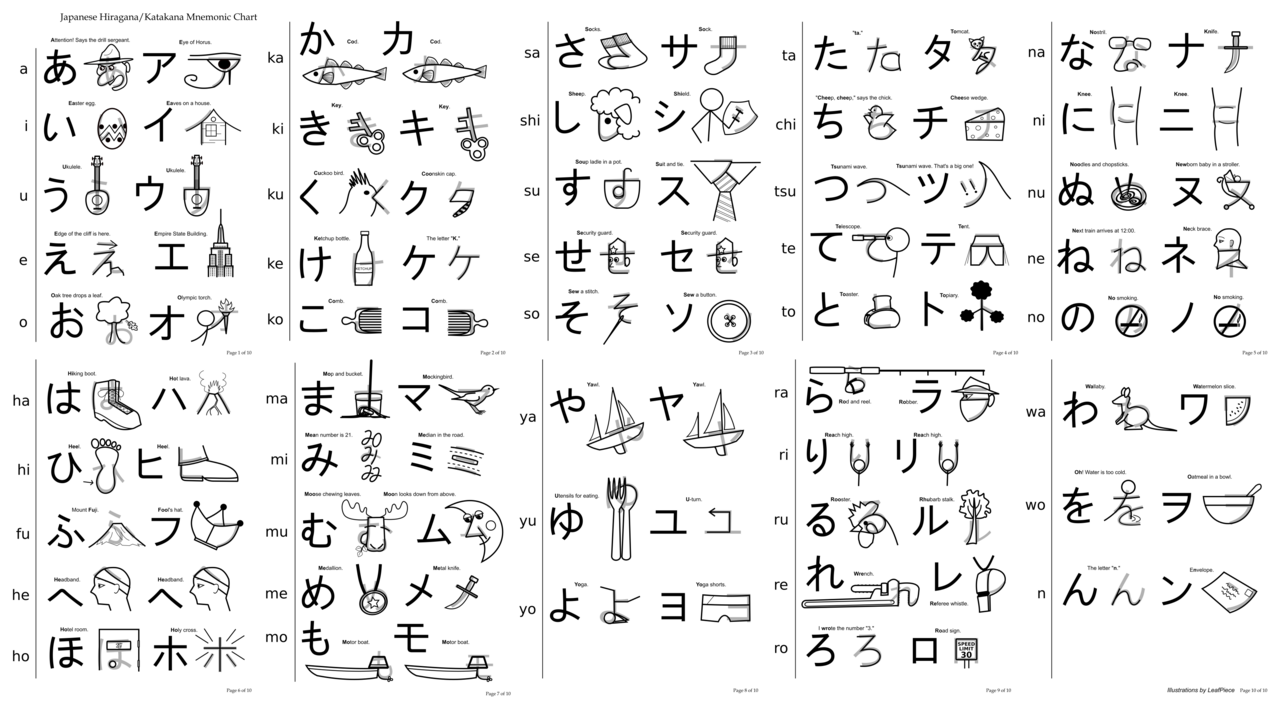
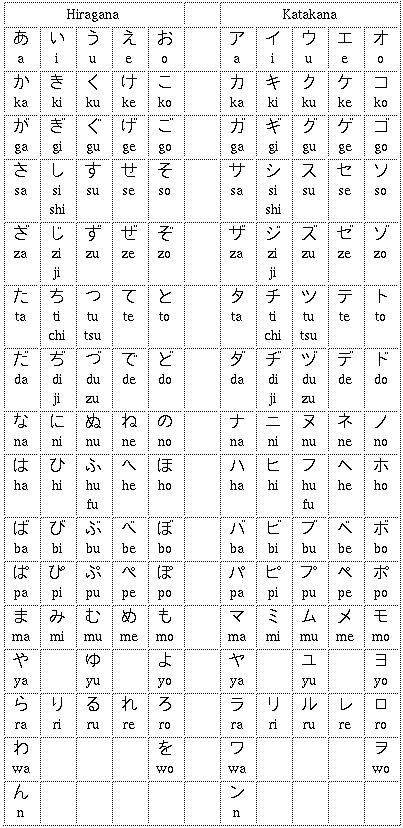
Did you know that many learners treat kana as a starter stage, but kana still matters later on? Hiragana and katakana aren’t just beginner material, they’re the foundation for speed. If you can read kana instantly, every dictionary lookup, song lyric, and restaurant menu gets easier.
That brings us to kanji. Kanji-heavy apps work best when they don’t isolate characters from real words, because learners remember context better than symbols alone. For example, seeing tsukue in a sentence helps more than memorising a single character in a vacuum, and the same goes for everyday words like neko, densha, and kaisha. Sounds weird, but it’s true.
On a related note, vocabulary is where the JLPT connection gets real. The JLPT N5 and N4 levels reward basic survival language, while N3 starts asking for broader reading stamina. N2 and N1 are where you stop getting away with half-baked recognition and need solid word recall, fast. A good app should let you target words by level, then keep cycling them until they stick.
What a serious study workflow looks like
Imagine a narrow alley in Tokyo. You’ve got a train to catch, 15 minutes before work, and you want one clean review session, not a maze of menus. A practical app should let you review kana, kanji, and vocab in short bursts, because that’s how real-life study usually happens.
For JLPT prep, I like tools that group material by level and let you build from there. If you’re aiming for N4, you don’t need to stare at advanced newspaper compounds all day. If you’re pushing towards N2, you do need frequent exposure to harder words, especially abstract nouns and set phrases that show up in reading sections. Wild, isn’t it?
What makes this open-source app appealing
Plot twist: the best part may not be the feature list, but the philosophy behind it. Open-source projects often move because learners want something specific, not because a company wants to monetise your confusion. That usually means cleaner feedback loops, faster fixes, and less clutter.
What I especially like is that open-source apps can grow with the community. If a learner wants better JLPT tagging, a better review queue, or a simpler way to separate kana practice from kanji drilling, those ideas can be suggested, tested, and sometimes built. Before I forget, that kind of flexibility matters a lot when your study routine changes from beginner cramming to exam prep.
Another reason this kind of app stands out is the cost. A lot of learners already pay for textbooks, dictionary apps, or online classes. A free tool that covers core review work gives you more room to spend on things that are harder to replace, like a native speaker tutor or a good graded reader. Personally, I’d rather keep my daily reviews cheap and my higher-value study inputs strong. My verdict:
Who should try it first
If you’re still sorting out kana, this kind of app can keep the basics visible without making you feel like you’re back in lesson one forever. If you’re already at JLPT N5 or N4, it can act as a daily engine for vocab and kanji maintenance. And if you’re aiming for N3 or higher, a no-nonsense review tool can help you keep older material alive while you add new words.
That last part is crucial, because Japanese study is cumulative. A lot of learners lose ground not because they stop learning new material, but because they stop revisiting old material. An app that keeps the review loop tight can protect your progress, which is exactly what you want when exam season gets close. Convinced yet?
If you enjoy the nerdy side of language learning, this is the kind of project that feels made for you. It’s practical, flexible, and built around the reality of studying Japanese one chunk at a time, not around pretending the language is easy. That’s why a small open-source app can be more useful than a glossy all-in-one platform. Personally...
Frequently Asked Questions
Is this app good for beginners?
Yes, especially if you want a simple way to study kana, basic kanji, and starter vocabulary.
Can it help with JLPT prep?
Yes, if you use it to organise words by level and keep a steady review routine.
Why choose an open-source app?
It gives you more transparency, more control, and usually a more learner-driven feature set.