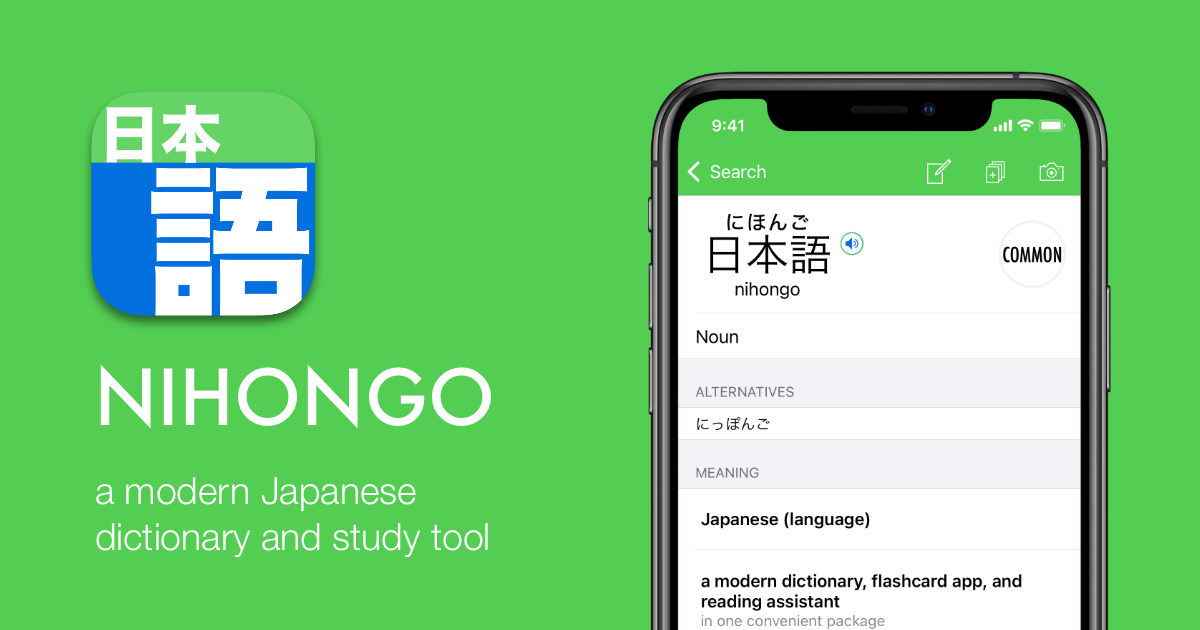
Why Nihongo app on iPhone and iPad matters for learners
Ever wondered why your phone is the best classroom you own? The Nihongo app runs on iPhone and iPad, so you get a touch-first interface that fits how you study on the go. Trust me on this one: pulling your device out on a train in Tokyo or at a café in Shinjuku and checking a kanji entry is faster than rifling through paper dictionaries.
Fact: the app's site, nihongo-app.com, lists detailed dictionary features aimed at learners, not just native speakers. That's why having it on iPhone and iPad matters; you have searchable entries, example compounds, and quick lookups where you need them most. From my experience, convenience beats passive exposure any day. Wait, there's more.
How the Nihongo app explains kanji entries
Question: what makes a kanji entry useful to someone learning? The Nihongo app focuses on explanations that go beyond single-line glosses. That's why you see meanings, on and kun readings, and example vocabulary that show how a kanji behaves in compounds. For example, the kanji 学 is shown with readings like gaku and manabu, along with example compounds to illustrate usage.
Entry components you should look for
Know that feeling when an entry is just a list of meanings and leaves you confused? The good entries include stroke order, frequency info, and example compounds ordered by usefulness. While we're at it, pay attention to parts of speech and sample sentences. My tip: learn one compound at a time from an entry, not just the isolated kanji. Sounds good, right?
Search options and navigation
Plot twist: Nihongo doesn't force you to only type readings. You can usually search by romaji, kana, and sometimes by English. For learners who like visual memory, look for radical or stroke-count filters in the app. Highly recommended: try searching a kanji via handwriting input on iPad when you don't know the reading. From my experience, that saves hours compared to guessing readings.
Learning hack: pair Nihongo's kanji entries with a spaced repetition system
Direct address: if you want faster retention, don't study kanji in isolation. Use the app to create focused study material, then move that material into a spaced repetition system like Anki or MosaLingua. For example, capture the kanji entry for 学, add the common compounds and a sample sentence, and schedule reviews.
Practical workflow for iPhone/iPad users
Quick detour: here’s a simple routine I use. First, look up a kanji in the Nihongo app and read the entry. Second, copy three example compounds into an SRS card with the reading and a sentence. Third, review daily and adjust intervals. To be fair, you won't memorise everything at once, but this method creates deep context for each kanji. From my experience, context beats rote memorisation.
Why this approach fits real Japanese learning
Unlike what we're used to with bare frequency lists, studying kanji with real compounds trains you for authentic reading, like signs, menus, and news articles. By the way, pairing the app's detailed entries with reading practice, NHK Easy News, manga, or light novels, accelerates comprehension. Classic Japan, isn't it?
What I especially like is that the app's focus on learner-friendly explanations means you get cultural notes sometimes, which helps when a kanji appears in place names or traditional terms. Trust me, that background saves embarrassing mistakes on train announcements. Wait, there's more.
Frequently Asked Questions
Is Nihongo app free to use on iPhone?
Short answer: there is usually a free tier, but check the App Store listing for in-app purchases and premium features.
Can I study kanji offline with Nihongo?
Short answer: many dictionary apps include offline access for core entries, but verify in the app settings or product page before relying on it while travelling.
Will this replace textbook learning?
Short answer: no, but it complements textbooks by giving quick, contextual kanji lookups that boost practical reading skills.